
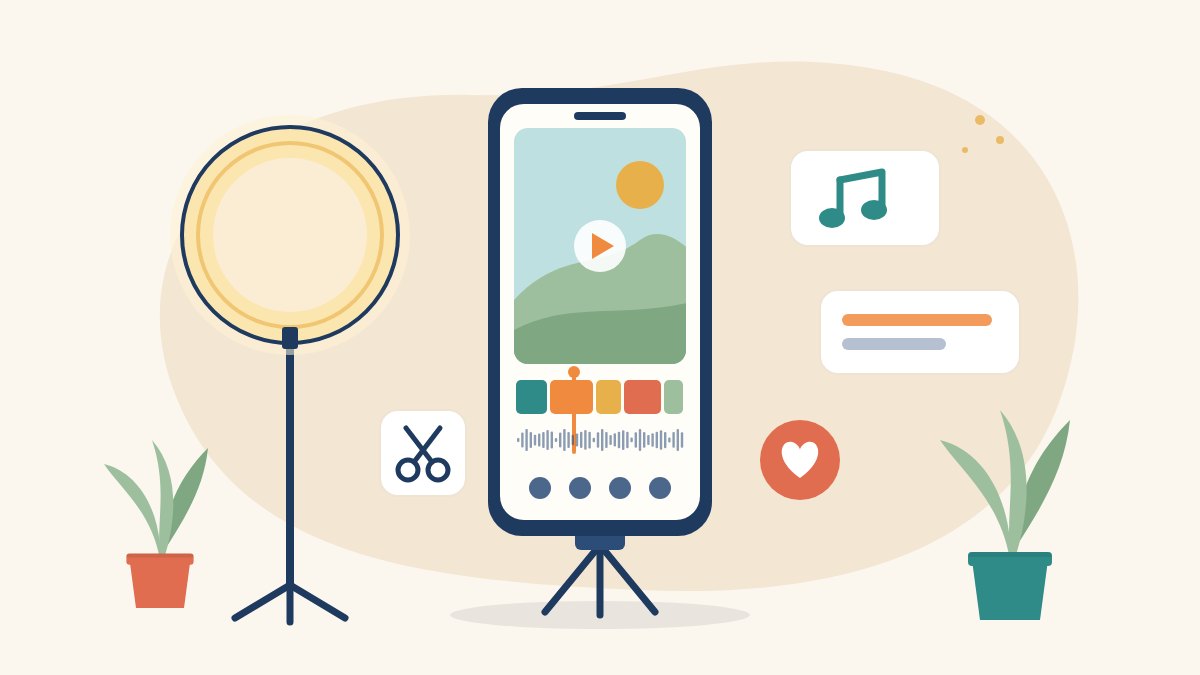
You do not need a laptop, an expensive camera or paid software to make good Instagram Reels. What most beginners are missing is a simple order of steps: what to shoot, how to cut it, and how to finish it so that people keep watching.
This beginner’s guide shows you how to edit Reels on your phone with free tools, one step at a time. At the end, if you would like a guided system with templates and short video lessons, we explain how our ₹499 Viral Reels course can help.
What you need to edit Reels on your phone
- A phone with a working camera. Any recent Android phone or iPhone is enough.
- The Instagram app and a free editor. Instagram has a built-in Reels editor, and Instagram’s free Edits app gives you more control over cuts, captions and transitions.
- Optional extras: wired earphones with a mic for clearer voice, and something to keep your phone steady.
A quick note on CapCut: many tutorials recommend it, but CapCut isn’t officially available in India and is not on the Indian Play Store or App Store. Avoid unofficial APK downloads; everything here works with officially available free apps.
Step 1: Plan your Reel before you edit
Editing is much easier when you already know the story. Before you shoot, write three lines:
- Hook: what will make someone stop scrolling in the first few seconds?
- Value: the tip, story or result you are showing.
- Ending: what you want viewers to do next, such as follow, save, send it to a friend or message you.
Then list the shots you need; a 20 to 30 second Reel might need only four to six clips. Free AI chat tools such as ChatGPT or Gemini can help you brainstorm hooks and draft a short script. Rewrite their drafts in your own words.
Step 2: Shoot clips that are easy to edit
Good editing starts with good footage:
- Shoot vertical (9:16). Reels play full-screen and upright, so hold your phone upright too.
- Use window light. Face a window during the day for soft, even light, and avoid having a bright window behind you.
- Keep the phone steady. Lean it against books or a wall, or use a simple phone stand.
- Leave a second at each end. Pause briefly before and after each take so you have room to trim.
- Get clean sound. Record in a quiet room; curtains, cushions and bedding reduce echo. A wired earphone mic close to your mouth often sounds clearer than the phone’s own mic.
- Shoot B-roll. Short clips of your hands, a product, the location or your screen give you something to cut away to.
Step 3: Import and arrange your clips
Open your editor, start a new project and select your clips in order. They appear on a timeline you scroll with your finger.
- Drag clips to change their order.
- Put your strongest shot first, because it carries your hook.
Step 4: Trim, split and tighten
Cut the dead air
Trim the start and end of every clip so that it begins on an action or a word. To remove a pause, an “umm” or a repeated line, split the clip on both sides of the mistake and delete the middle piece.
Keep shots short
When a shot runs too long, viewers leave. Change the picture every few seconds with a new angle, a close-up or a B-roll clip, while your voice carries on underneath.
Watch it with fresh eyes
Play the whole Reel through. If you feel like skipping a part, your viewers will too. Cut it.
Step 5: Add captions and on-screen text
Many people watch Reels with the sound off, so the words on screen matter.
- Use auto-captions. Instagram’s editing tools can generate captions from your speech, including Hindi in the Edits app. Always read them through and fix mistakes, especially names and Hinglish words.
- Put a short hook on the first frame in a few large words.
- Keep text away from the edges. Instagram places your username, caption and buttons along the bottom and right side, so keep important text towards the middle.
Step 6: Add music, voiceover and sound
Music and trending audio
Add audio from Instagram’s music library inside the app, and keep the music lower than your voice. Music choices can be more limited on business accounts, so check what is available on yours.
Voiceover
You can record a voiceover directly in the editor, which is ideal for faceless Reels where you talk over B-roll. AI voice tools can also create narration in English, Hindi or Hinglish.
Beat sync and transitions
Cutting on the beat of the music makes a Reel feel energetic. Use transitions sparingly, because a clean cut is often the most professional choice.
Step 7: Polish, add a cover and upload in high quality
- Make small colour adjustments to brightness, contrast and warmth instead of applying heavy filters, and keep skin tones natural.
- Choose a clear cover frame, or design a simple cover on Canva’s free plan so your profile grid looks tidy.
- In Instagram’s settings you can turn on the option to upload at the highest quality.
Step 8: Post with a clear caption
- Write a caption that adds context and uses words people might search for, plus a few relevant hashtags rather than dozens.
- End with one clear question or call to action.
- After a day or two, open your insights and see how long people watched and how many shared or saved the Reel. Use what you learn in your next one.
Want a step-by-step system? Try our ₹499 Viral Reels course
This guide covers the basics. If you would like to be walked through every step with examples, our Make Viral Reels with Free AI Tools course was made for Indian beginners who only have a phone.
- 10 short video lessons, just under 50 minutes in all, in simple English with a Hinglish touch.
- A full lesson on editing for free in Instagram’s Edits app: cuts, captions (including Hindi), transitions and beat sync, with no watermark.
- Lessons on hooks (20 fill-in-the-blank templates), scripting with free ChatGPT and Gemini, AI voiceovers, hashtags, analytics and earning from Reels in India.
- A one-time payment of ₹499 with lifetime access, on Android or iPhone.
- A 7-day refund if the course isn’t right for you.
We can’t promise views or followers, and no honest course can; we teach a repeatable method. Not sure yet? You can watch Lesson 1 free from the course page. If you have a question before buying, WhatsApp us on +91-8527586830 or email info@karunamedia.org.
Your purchase supports women’s media education
The course is made by Karuna Media, the media education initiative of Puppets Picture Education Trust (PPET) in Noida. After payment and platform fees and applicable taxes, 100% of the profit from every sale funds a girl’s media course at Karuna Media. Buying the course is a purchase, not a donation, so it is not eligible for an 80G receipt. If you would like to give separately, please visit our Donate page.
And if you are a woman aged 16 or above from a low-income family who wants a full media career, our 12-month Karuna Media Master Program trains learners in filmmaking, video editing, photography and AI content creation, with placement support. You can apply here.
Start editing today
The best way to learn to edit Reels on your phone is to practise: pick one idea, shoot five short clips and follow the steps above. Your first Reel will not be perfect, and that is fine. When you are ready for a clear system that takes you from idea to posted Reel, get the Viral Reels course for ₹499, risk-free with a 7-day refund.

Online course · ₹499
Make viral Reels with just your phone and free AI tools
10 short lessons in simple English and Hinglish, with a 7-day refund. Profit from every sale funds a girl’s media course in Noida.
See the course