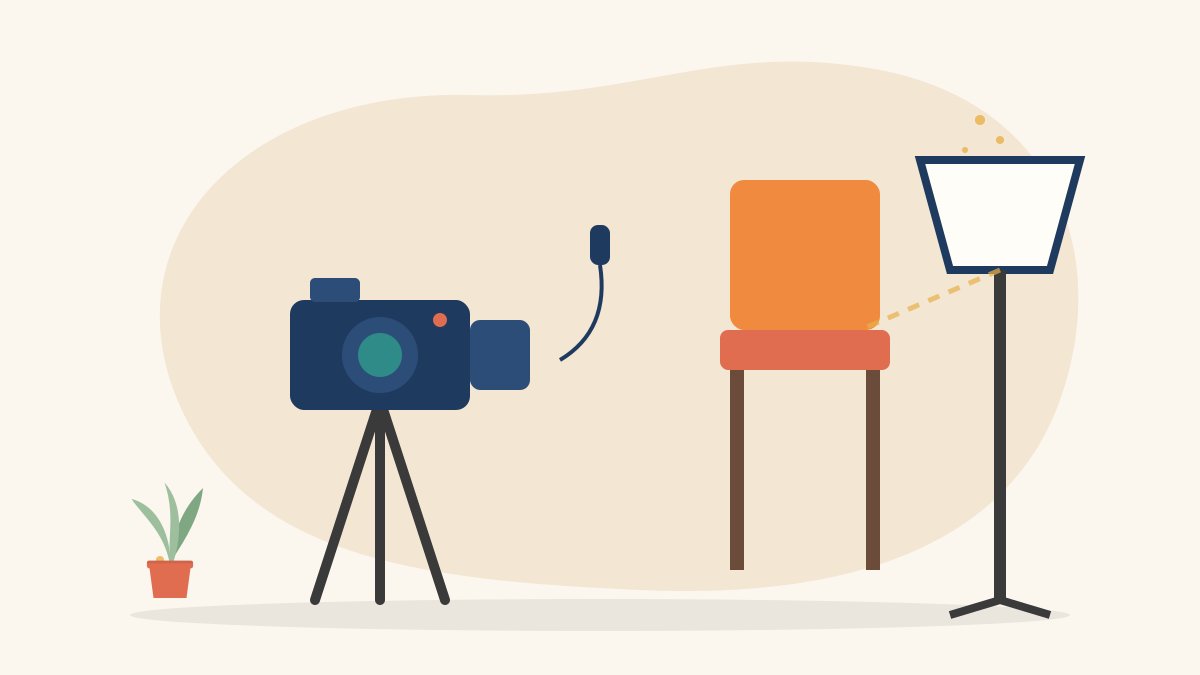
Interviews are everywhere: in documentaries, news features, brand videos, NGO impact films and YouTube channels. A well-shot interview looks simple, but it depends on careful choices about location, framing, light and sound. This beginner’s guide explains how to shoot an interview video step by step, whether you are using a professional camera or a smartphone.
Plan before you shoot
Know the purpose
Is the interview for a short social media video, a documentary or a corporate film? The purpose decides the length, style and how formal the setup should be.
Prepare your questions
Write open questions that invite stories, such as “What happened next?” or “How did that feel?”, rather than questions with yes or no answers. Share the topics, not the exact questions, with your interviewee beforehand so they feel prepared but still sound natural.
Scout the location
Choose a quiet place with enough space to place the camera a few metres from the subject. Check for traffic noise, fans, air conditioners and echo. A room with curtains, carpets or bookshelves usually sounds better than an empty room with bare walls.
Choose your setup: one camera or two
Single-camera interview
One camera is enough for most beginner projects. Frame a medium close-up and use cutaways or B-roll to hide edits. Our guide on how to shoot B-roll explains how to capture these extra shots.
Two-camera interview
A second camera gives you a different angle, for example a tighter close-up or a side profile. This makes editing easier because you can cut between angles without a visible jump.
Framing the interviewee
Use the rule of thirds
Place the subject’s eyes on the upper third line of the frame and position them slightly to one side. Leave more space in the direction they are looking. Our guide to camera shot types explains medium shots and close-ups in more detail.
Decide on the eyeline
In most documentary-style interviews, the subject looks at the interviewer, who sits just beside the camera. This creates a natural, slightly off-camera eyeline. For direct-to-camera videos, the subject looks straight into the lens.
Keep the camera at eye level
A camera that is too high or too low can make a person look small or intimidating. Set the lens roughly at the subject’s eye height.
Mind the background
Choose a background with some depth and a few meaningful details, but nothing distracting. Move the subject away from the wall to avoid flat shadows and to create a gentle background blur.
Lighting an interview
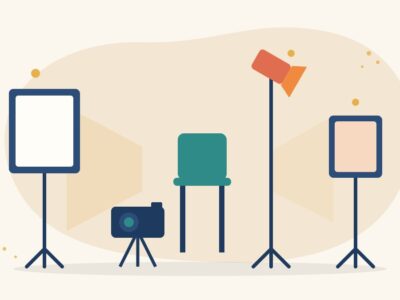
Start with the three-point method
- Key light: the main light, placed at about 45 degrees to one side of the subject
- Fill light: a softer light on the other side to lift the shadows
- Back light: a light behind the subject to separate them from the background
Use window light wisely
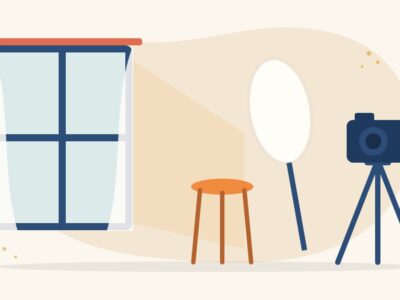
A large window can make a beautiful key light. Place the subject at an angle to the window rather than with their back to it. Use a white sheet or board to bounce some light into the shadow side.
Keep the light consistent
Daylight changes over time. If the interview will be long, use artificial lights or keep an eye on exposure between answers. For more ideas, see our guide to video lighting for beginners.
Recording clear sound
Viewers forgive average pictures but not bad audio. Sound is often the most important part of an interview.
- Use a lavalier (clip-on) microphone placed on the chest, about a hand’s width below the chin
- Hide the cable under clothing and keep it away from jewellery that might rustle
- Record a few seconds of room silence, called room tone, to help in editing
- Monitor audio with headphones throughout
- Pause if a loud vehicle, phone or announcement interrupts an answer
Our guide on how to record clear audio on a phone has more practical tips.
Camera settings for beginners
- Shoot at 25 frames per second for a natural look in India’s 50 Hz electrical system, which also helps avoid flicker from lights
- Set the shutter speed at roughly double the frame rate, such as 1/50
- Lock focus and exposure so they do not shift during the answer
- Set white balance manually to match your lights
- Check that you have enough battery and storage for long answers
Directing the interviewee
Put them at ease
Start with simple questions and a friendly conversation. Many people are nervous on camera, so explain what will happen and remind them they can pause or repeat an answer.
Ask for full-sentence answers
Since your voice may be cut out in the edit, ask the interviewee to include the question in their answer. For example, “My first job was…” rather than just “In a bank.”
Listen and stay quiet
Avoid saying “yes” or “hmm” while they talk, as it will be picked up by the microphone. Nod instead. Let pauses breathe; people often share their best thoughts after a short silence.
After the interview
Back up your footage and audio straight away on two separate drives. Make notes of the strongest moments while they are fresh in your mind, and label files clearly. Thank your interviewee and, where appropriate, get their written consent to use the recording.
Learn filmmaking with Karuna Media
Karuna Media, an initiative of Puppets Picture Education Trust (PPET) in Noida, runs the 12-month Karuna Media Master Program, training underprivileged women in media, filmmaking and AI skills with support for job placement. Camera work, lighting, sound and interviewing are all practical skills that open doors in documentary, news and corporate video.
Explore the Karuna Media Master Program, apply now, or donate to support women’s media training.
The Giving Movement by Karuna Media · #TheGivingMovement
Wear the cause: tees, a tote and a mug that fund media training for women
Tee (Black) ₹699 · Tee (White) ₹649 · Tote ₹449 · Mug ₹399. Printed on demand and shipped across India. 100% of the profit funds media training for underprivileged women.
Buy now on Razorpay Prefer to donate? Go to our donate pageMerch is a purchase, not a donation, and is not eligible for 80G. To make a donation, use our donate page.