AI image generators can turn a short piece of text into a picture in seconds. Content creators, designers, marketers and filmmakers now use them for mood boards, concept art, storyboard ideas, social media visuals and presentations. But the quality of the result depends heavily on what you type. If you want to learn how to write AI image prompts that give you useful, consistent results, this beginner’s guide explains how prompts work, a simple formula you can follow, examples, editing techniques and the ethical rules every creator should know.
What is an AI image prompt?
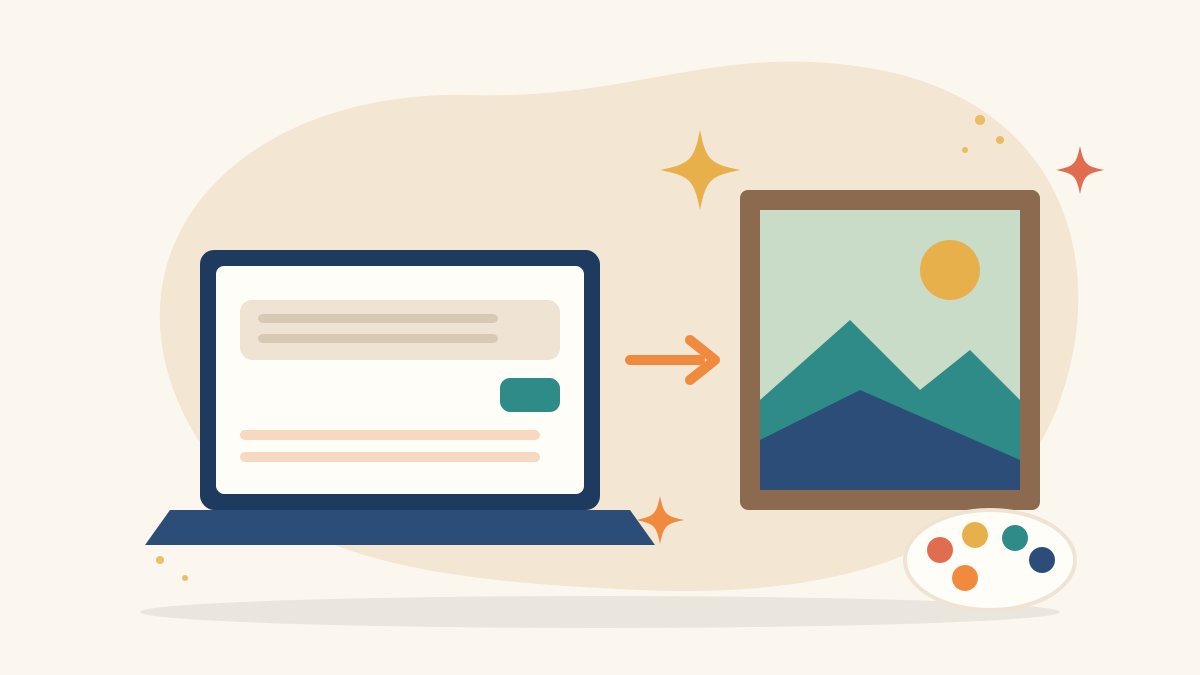
A prompt is the text description you give an AI image tool. The tool uses it to decide what to show, in what style, with what colours, lighting and composition. A vague prompt like “a market” leaves almost every decision to the AI. A detailed prompt gives you much more control over the final image.
Different tools understand prompts in slightly different ways, and features change often, so always check the guidance of the tool you are using. The basic principles in this guide apply to most of them.
A simple formula for AI image prompts
A reliable way to build a prompt is to describe these parts, in roughly this order:
- Subject: what is the main thing in the image?
- Details: what does it look like, and what is it doing?
- Setting: where is it, and what is around it?
- Style: photograph, flat illustration, watercolour, 3D render, poster, sketch?
- Lighting and colour: soft morning light, warm tones, pastel palette, high contrast?
- Composition: close-up, wide shot, top-down view, centred, empty space on one side?
- Format: square, vertical for phone screens or wide for banners and thumbnails?
You do not need all seven every time, but the more of them you include, the closer the image will be to what you imagine.
Example: improving a basic prompt
Start simple: “a camera on a table.”
Add details and setting: “a vintage film camera on a wooden desk beside a notebook and a cup of tea.”
Add style, light and composition: “flat vector illustration of a vintage film camera on a wooden desk beside a notebook and a cup of tea, warm pastel colours, soft shadows, top-down view, empty space on the right for text, wide banner format.”
The last version tells the AI exactly what kind of image you need and leaves space for a title, which is useful for blog banners and YouTube thumbnails.
Useful words to include in prompts
Style words
Photograph, flat illustration, line art, watercolour, paper cut-out, isometric, cinematic still, minimal poster.
Lighting words
Golden hour, soft diffused light, studio lighting, backlit, moody low light, bright daylight. Understanding real-world lighting, as explained in our video lighting guide, helps you describe it better.
Camera and composition words
Close-up, wide shot, aerial view, eye level, shallow depth of field, rule of thirds. Our guide to photography composition rules is a good reference for these ideas.
Mood words
Calm, hopeful, festive, mysterious, energetic, cosy. Mood words guide the overall feeling, colours and expressions.
How to refine your results
Change one thing at a time
If an image is close but not right, adjust only one part of the prompt, such as the lighting or the angle, so you learn what each change does.
Use negative instructions carefully
Some tools let you list things you do not want, such as text, blur or extra objects. Use this to remove repeated problems.
Generate several options
Create a few variations and pick the best, rather than expecting a perfect image on the first try.
Use editing features
Many tools let you edit part of an image, extend the canvas or change the background. Combine AI images with a design tool like Canva to add text, logos and layouts. Our Canva for beginners guide shows how.
Save prompts that work
Keep a simple document of prompts that gave good results. Reusing a tested prompt with small changes helps you create a consistent visual style for a brand or series.
Common prompt mistakes
- Being too vague, so the AI fills in everything randomly
- Packing too many unrelated ideas into one image
- Forgetting the format, which leads to images that do not fit the platform
- Expecting perfect text inside images, which many tools still struggle with
- Not checking hands, faces, objects and small details for errors
Ethics and responsible use
AI images are powerful, so use them responsibly:
- Do not create images of real people without their consent, and never create misleading images of real events
- Avoid prompts that copy a living artist’s name or style to imitate their work
- Do not present AI images as real photographs in news or documentary contexts
- Label AI-generated visuals where your platform, client or organisation expects it
- Read each tool’s terms of use, especially for commercial projects
- Watch for stereotypes in results and adjust your prompt to show people and places fairly
Where AI image skills are useful
Prompt writing is now a practical skill for social media managers, content creators, designers, marketing teams and filmmakers who need quick concept visuals or storyboard ideas. It works best alongside traditional skills like design, photography and storytelling, not as a replacement for them. If you are also exploring AI for writing, our guide on ChatGPT for content creation covers text-based workflows.
Learn AI and media skills with Karuna Media
At Karuna Media, run by Puppets Picture Education Trust (PPET) in Noida, the 12-month Karuna Media Master Program trains underprivileged women in media, filmmaking and AI skills, with support for job placement. Students learn to use AI tools thoughtfully alongside shooting, editing and design.
Explore the Karuna Media Master Program or apply now to begin. If you want more women to gain future-ready skills, you can donate to support their training.
The Giving Movement by Karuna Media · #TheGivingMovement
Wear the cause: tees, a tote and a mug that fund media training for women
Tee (Black) ₹699 · Tee (White) ₹649 · Tote ₹449 · Mug ₹399. Printed on demand and shipped across India. 100% of the profit funds media training for underprivileged women.
Buy now on Razorpay Prefer to donate? Go to our donate pageMerch is a purchase, not a donation, and is not eligible for 80G. To make a donation, use our donate page.